A browser activity tracker that stays on your device. Tracks your time, sorts it into a daily work log, nothing uploaded.
What's in the popup
Three things ActLytic does
Time tracking, an auto-generated work log, and an optional contacts list — that's the whole extension.
Activity
See where
your time goes.
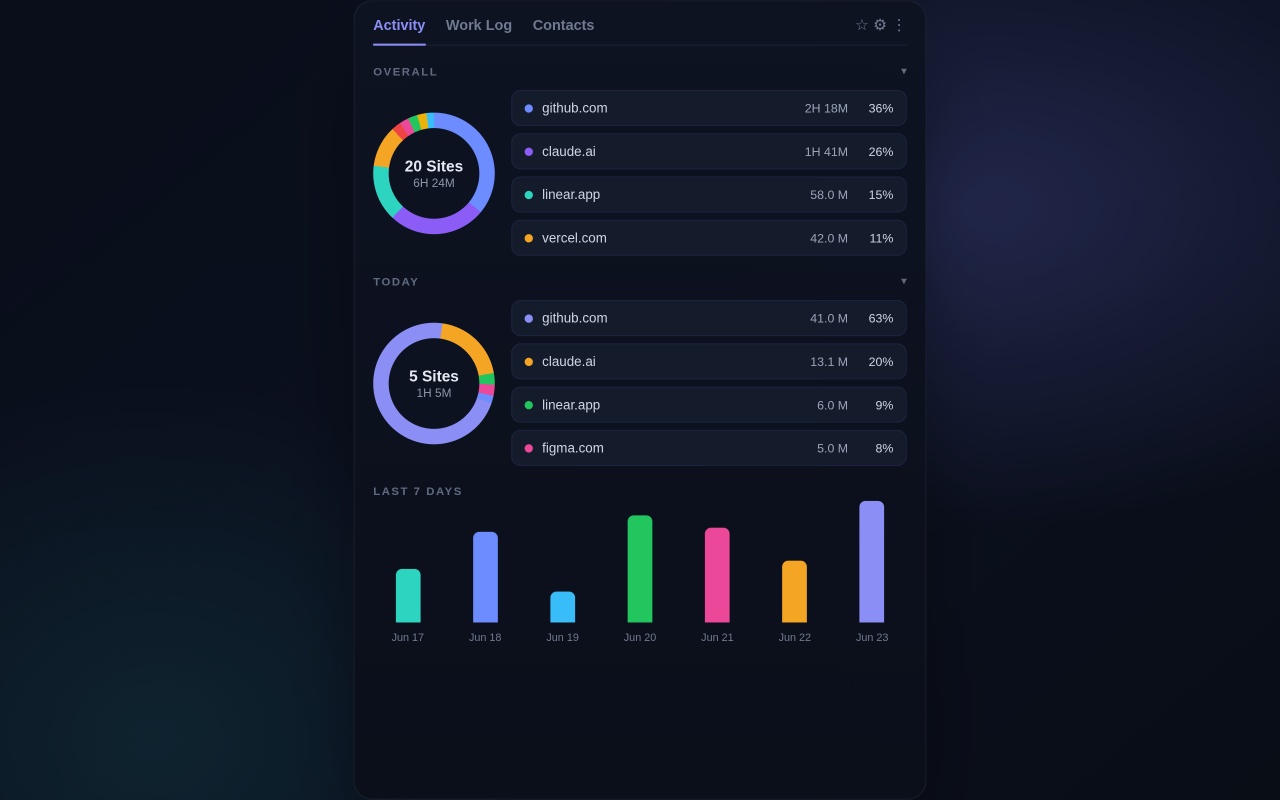
Tracks the active site with second-level precision. Shows today's and all-time totals as a doughnut chart, plus a bar chart of your top site for each of the last 7 days.
- Per-domain time, accurate to the second
- Today and all-time totals as doughnut charts
- Last 7 days as a bar chart
- A live on-page pill shows time spent on the current site, with a soft daily-limit nudge
Work Log
Your day,
sorted into a log.
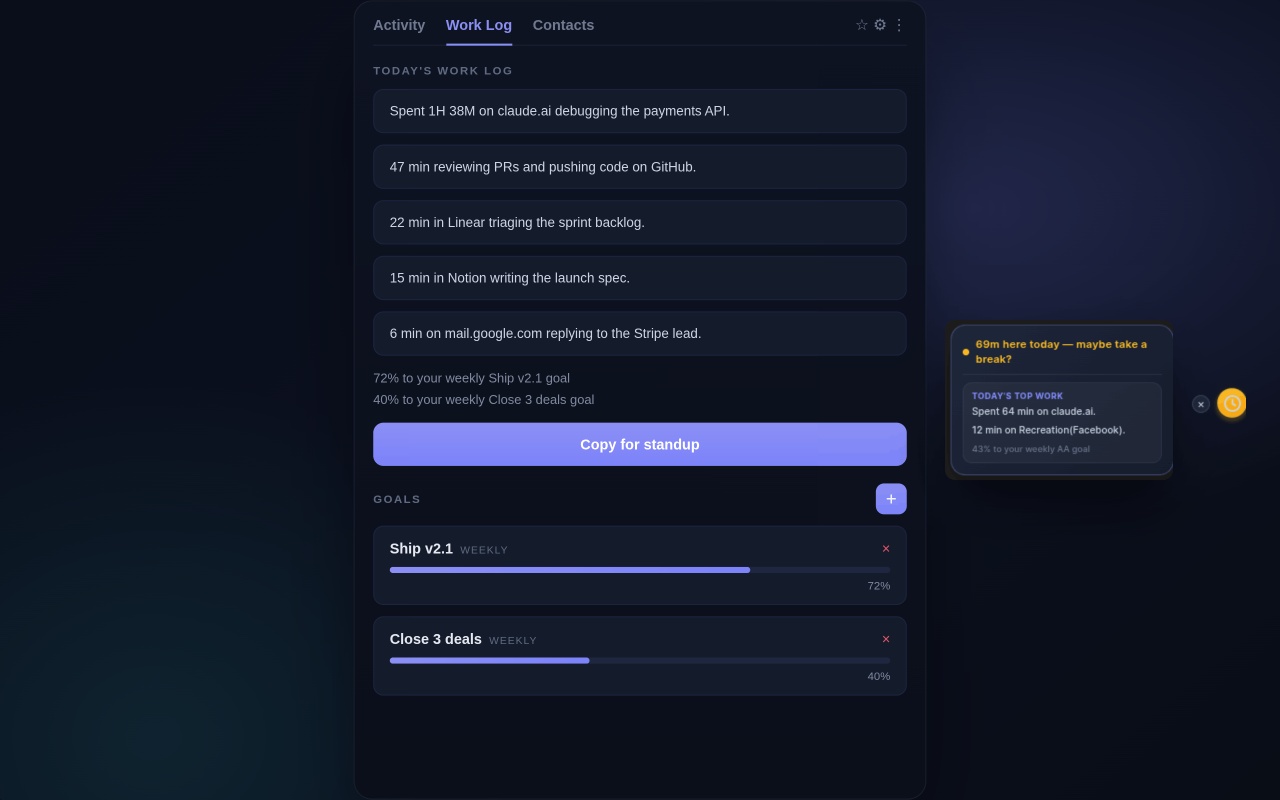
ActLytic sorts your browsing into categories — GitHub, Linear/Jira, Docs, Notion, Figma, or a generic fallback — and turns the totals into standup-style bullets using local templates and arithmetic. No AI, no network calls.
- A notification at 6pm when the day's log is ready
- “Copy for standup” copies the bullets to your clipboard
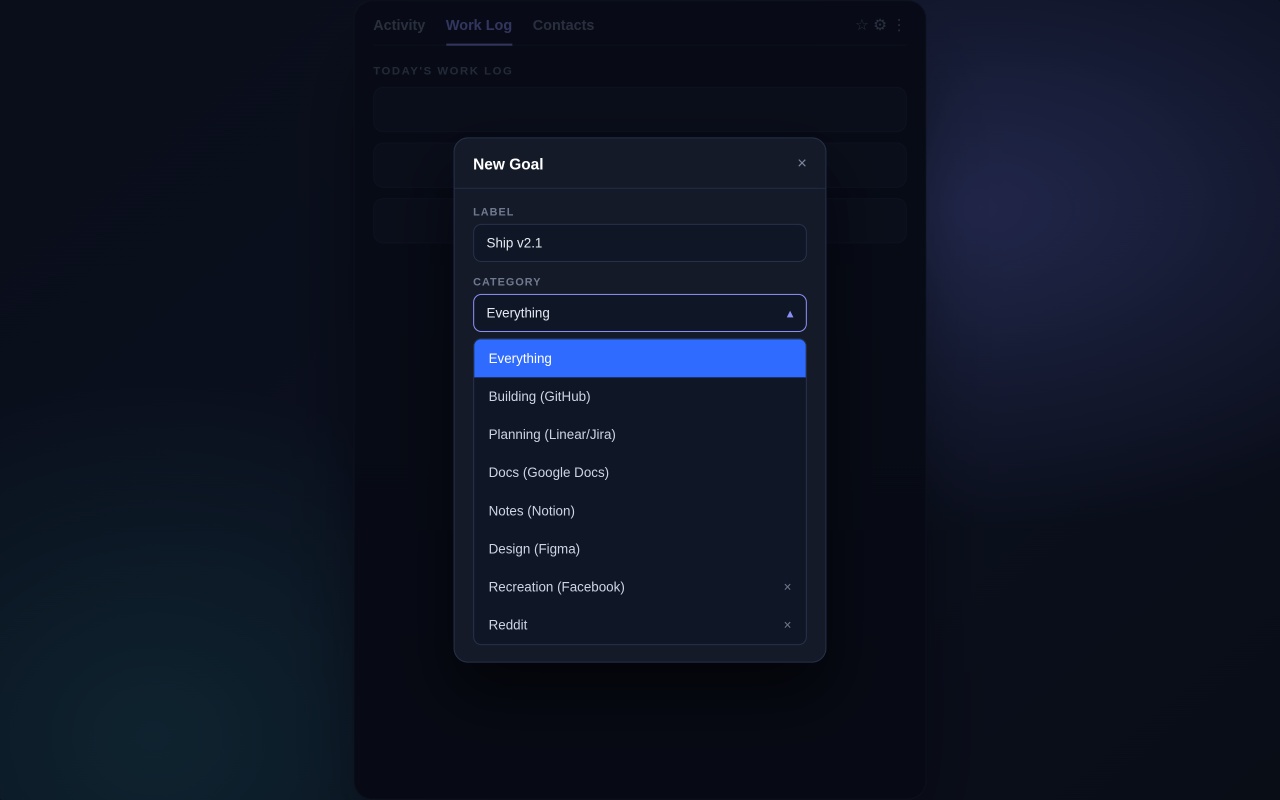
- Set a weekly or long-term goal per category and track progress
Contacts
A lightweight
contacts list.
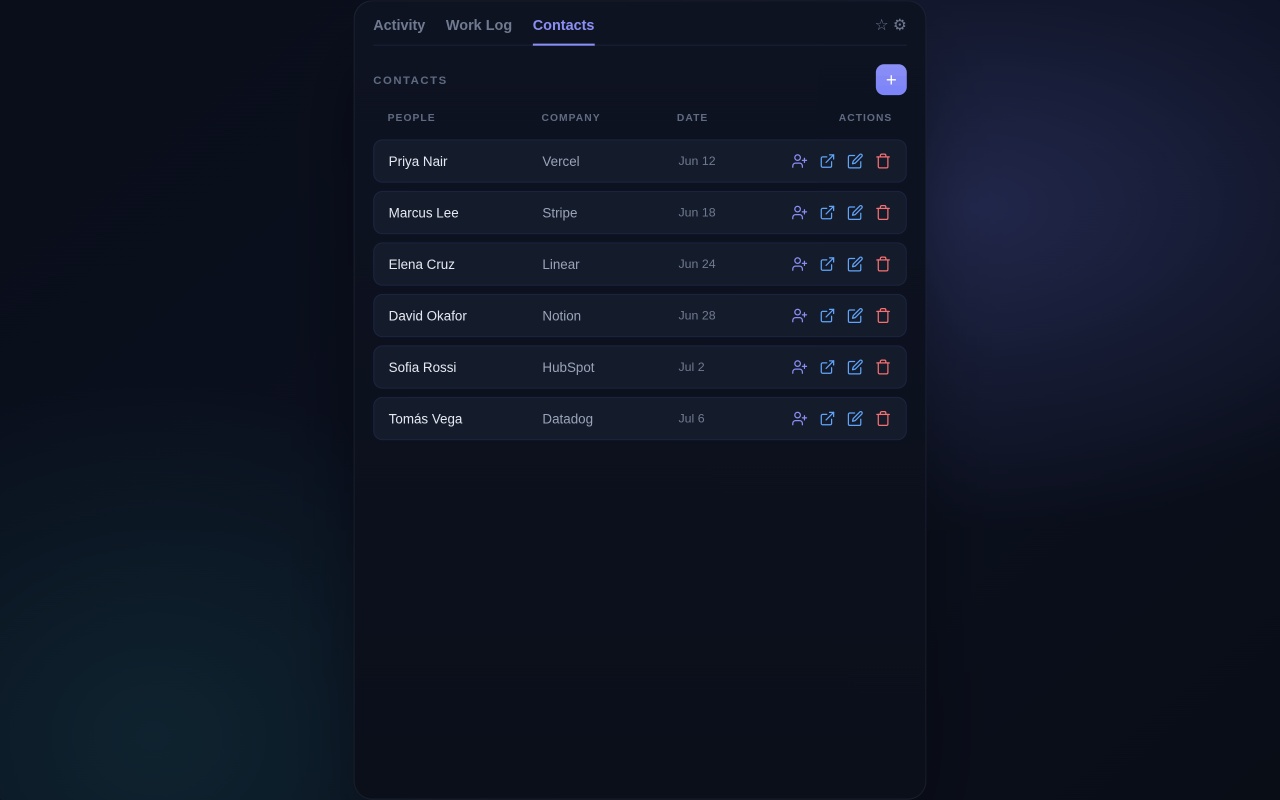
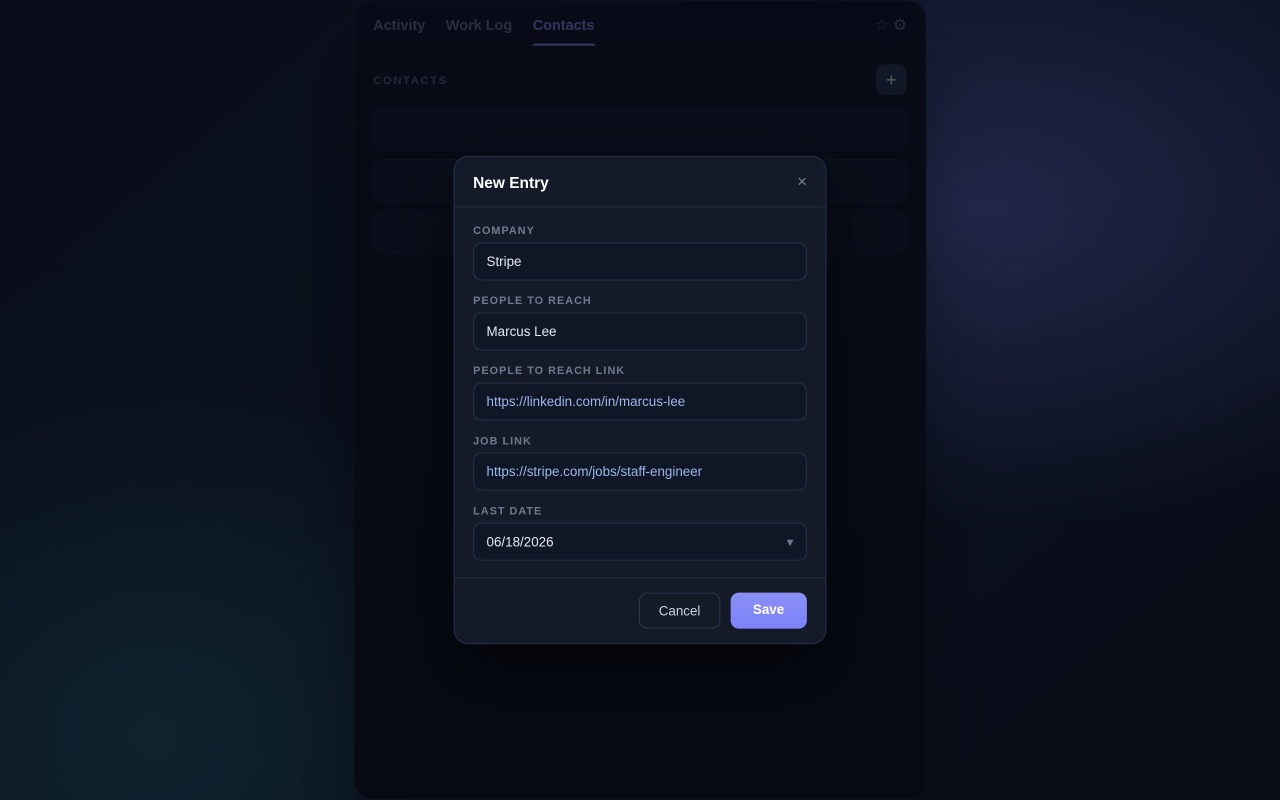
Save a person's name, company, profile link, and date in one table inside the same popup. It's a secondary feature, separate from the time tracking and work log.
- Add, edit, or remove a contact in a couple of clicks
- Sorted by date
- Entirely optional — the rest of the extension works without it
Simple by design
How to use ActLytic
Four steps, no account needed.
Install the Extension
Add ActLytic to Chrome in one click. No account required.
Browse Normally
ActLytic tracks each site automatically in the background. A quiet on-page pill lets you know if you’ve spent too long on one site.
Check Your Work Log
At 6pm you’ll get a notification. Open the popup’s Work Log tab and copy the bullets for standup if you need them.
Set a Weekly Goal
Pick a category — or "Everything" — and ActLytic tracks live progress toward it.
Add a Contact
Optional: save a company, person, their link, and a follow-up date if you’re tracking outreach.
See where your day went.
Free, local-only, and takes under a minute to install. Your data stays on your device — it's never uploaded or sold.
Add to Chrome — It's Free